Need help joining? Message @pokerclubscore on Telegram with the ClubGG club you want to join. We can help you use the correct Club ID and Referral ID.
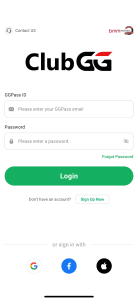
1) Install the ClubGG Application for iOS or Android.
2) Sign up on the ClubGG Application.
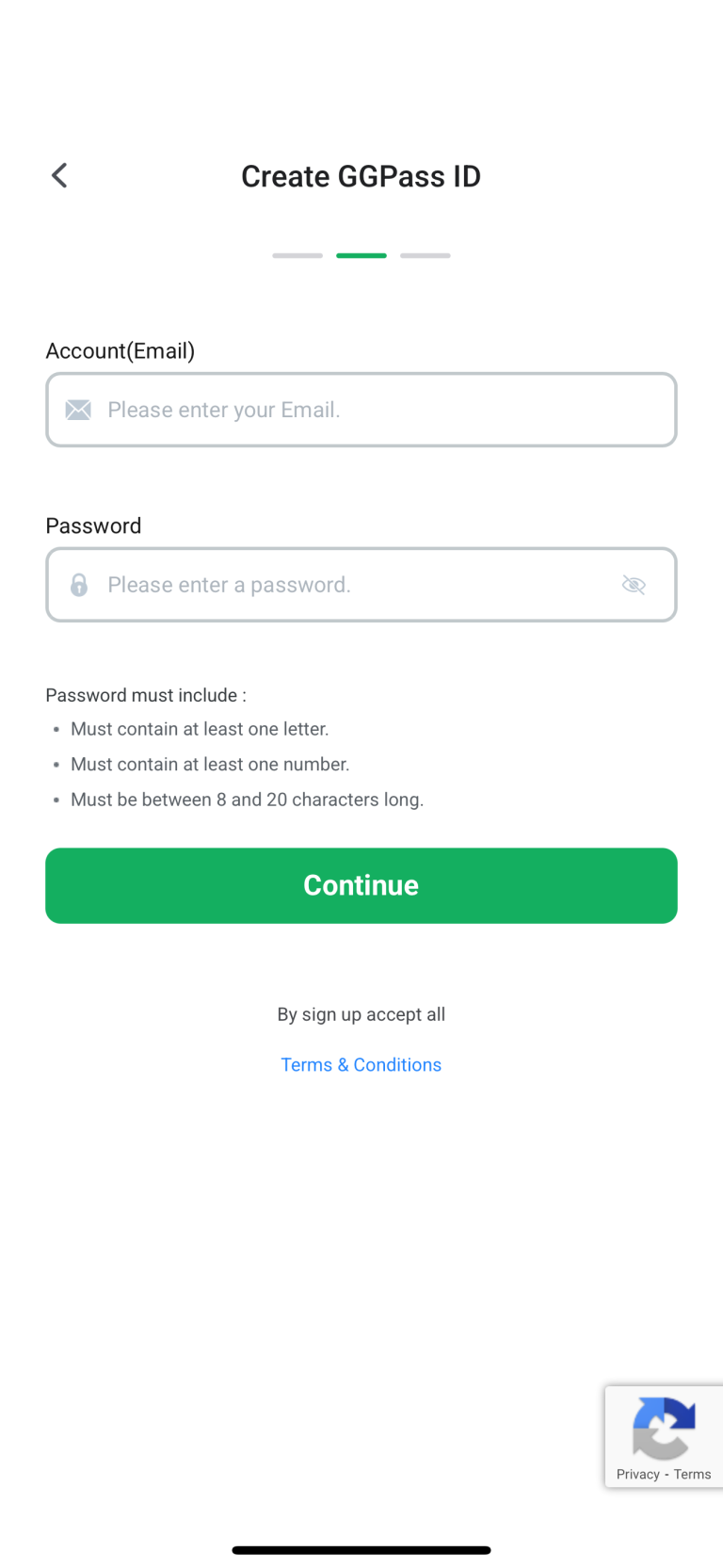
3) Enter the email and password you want to use.
4) Enter the nickname you want to use.
At the tables, this is the name you’ll use.
5) You've created an account and are ready to request club access
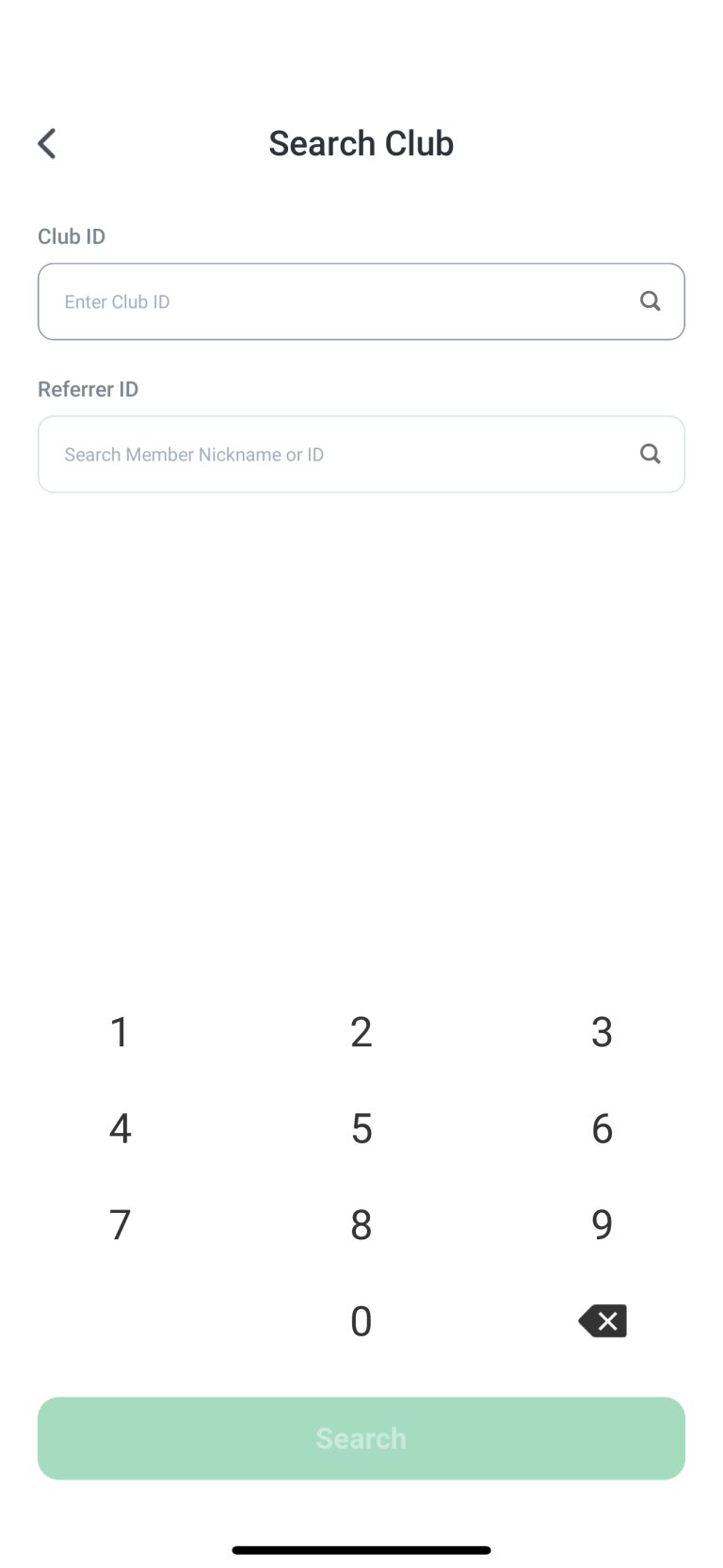
After you confirm your username, you will be sent to the main app lobby. Tap search club and enter the Club ID and Referral ID for the club you want to join.
6) Enter your Club ID and Referral ID, then hit next.
7) Message us on Telegram for approval help
Message @pokerclubscore on Telegram and include the club name you requested. If you are unsure which club to choose, ask and we will help you pick the best fit.
ClubGG availability, rules, and eligibility may vary by location. Review the current rules and local requirements before requesting access.
Before you request access, review our ClubGG clubs guide for tips on Club IDs, referral IDs, unions, and what to check before joining.
Current ClubGG club details
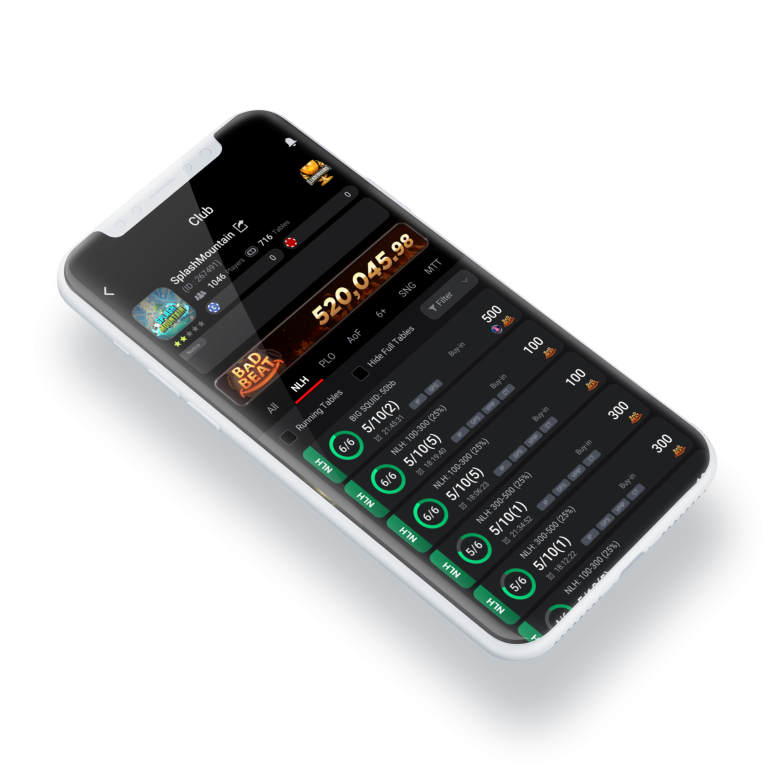
Splash Mountain: Club ID 26749, Referral ID 1068-6260 Temporal Tilt: Club ID 716535, Referral ID 1068-6260
Separate setup from selection. Learn the basic terms—app, club ID, referral ID, rules, table type, and support path—before relying on a listing. Confirm that the instructions are current and traceable to a clear source.
Set a small session boundary before opening tables: choose a format, decide how long you will review it, and note one question afterward.
Before moving forward
Confirm the app and club ID source.
Read current rules and support instructions.
Pause when details are vague or inconsistent.
Getting started FAQ
What do I need before joining a club?
You need the ClubGG app installed and the club ID you want to join. If a referral ID was also shared, keep both handy and confirm which field each belongs in.
Do I need a club ID to play?
Yes, for private club games you normally enter a club ID to request access to that specific community.
How long does club approval take?
It varies by club. Some approve immediately, others review each request manually. If you do not hear back, message the club’s listed contact.
Is a referral ID required?
Not always. Some clubs ask for one, others do not. Check the club’s instructions to see whether the referral field is required or optional.
What should I check before my first game?
Confirm the club ID, read the posted rules, find the support channel, and decide your own limits first. Start with a format you already understand.