
ClubGG Club ID vs Referral ID: What Each One Means Before You Join
I have watched a lot of people try to join their first club on ClubGG, and the failure almost never has anything to do with poker. It comes down to two short strings of characters that look like siblings and behave nothing alike. One is the club ID. The other is a referral ID. Get them the wrong way round and the app has no idea what you are asking it for.
I write about this from the host and union side of the app, because that is where both codes get created, handed out and — often — muddled together. ClubGG runs through clubs, and clubs increasingly sit inside unions that standardise how a whole network of rooms lists games, sets schedules and brings new members in. Knowing which code does what makes you easier to onboard and saves whoever is running the room a tedious round of messages. Everything here is informational reading, not legal or gambling advice, and the rules differ by location, so check what applies where you live.
Why the two codes get confused so often
On the join screen they are separated by a few pixels. In a chat message they arrive one line after the other. Both are short, both are alphanumeric, and a host will usually send them in the same breath: here is the club, here is my code. Nothing in that message tells you which is which, and the labels on the form do not always make the distinction obvious the first time you see them.
From the admin side the difference is glaring, because the two values live in completely different parts of the dashboard. From the player side it is a coin flip until somebody explains it, and that is the gap this whole club ID vs referral ID question comes down to.
The club ID is an address, and it belongs to the club
When a club is created, ClubGG issues it a unique identifier that no other club on the platform shares. That is the club ID. It is the address of the room, and as a rule it survives everything cosmetic: the display name can change, a new host can take over the admin duties, the club can move under a different union banner, and the underlying ID stays put. Names are for humans. The ID is for the system.
What hosts actually do with it
Anyone running several clubs keeps a list of these IDs the way a venue manager keeps a list of room numbers. When a union standardises its game list across half a dozen clubs, every one of those clubs still has its own ID. The union does not get one master code that opens all of them, which is the thing people most often assume. Being part of the same network does not mean one string gets you into the network.
Where a club ID normally shows up
- Pinned near the top of the club’s announcement channel.
- In a direct message from a host or admin, usually with the club name spelled out beside it.
- On the club’s public page or social profile, next to a short set of join instructions.
- Inside a QR code, for joining from a phone without typing anything.
What you will not usually find is a searchable directory of every club by name. Some networks keep discovery deliberately inside the community, which is worth knowing if you are used to browsing a lobby.
A club ID is not private, and that matters
Everyone in the club uses the same one. It is not a password, it does not prove anyone invited you, and it does not tie you to whoever sent it. New members sometimes treat the code they were given as personal property, which is understandable and wrong — it behaves more like a street address than a key. Because it travels freely, it is also the exact thing impostors copy when they want to look like they represent a club. Treat the ID as public information and the person sending it as the part worth verifying.
The referral ID is a person, not a door
A referral ID points at an account, usually the host, player or promoter who brought you in. When a club asks for one during sign-up, it is recording where the new member came from. That is the entire function: attribution, not access. It cannot find a club on its own and it will not open anything by itself.
Because it is tied to a person, referral IDs differ from member to member inside the same club. Two players who joined through different hosts can type two completely different strings and land in precisely the same room.
Why unions care about that attribution
This is where the host and union angle genuinely matters. When several clubs sit under one union, somebody has to track which host is bringing in which players, and how those players end up spread across the rooms. A referral ID is one of the few clean data points for it. It lets an organiser see whether a host’s invitations are landing, whether a newly added club is picking up members, and whether two clubs in the same network are quietly pulling from the same community.
That also explains why some clubs mark the field as required while others never mention it. It depends entirely on whether the people running the network care about the attribution. A single standalone club with one active host usually does not.
What a referral ID cannot do
- It cannot locate a club, because there is no room attached to it the way there is with a club ID.
- It cannot be handed to somebody else to enter on your behalf to get you in.
- It cannot be guessed or invented. A made-up code will either be rejected or quietly credit a stranger.
How good hosts keep the two straight across a network
Running one club is manageable. Running a group of them under a single union is where instructions get sloppy, and the sloppiness nearly always surfaces in the join message. The hosts who handle it well tend to share a few habits.
- They separate the two lines. The club ID gets its own line with a clear label, and the referral code sits below it as a second, optional item.
- They standardise the wording. The same phrasing appears in every club’s announcement, so a member joining their second room in the network does not have to relearn anything.
- They keep IDs as text where possible. Screenshots of codes are where copying errors come from; plain text can be pasted exactly.
- They split network rules from room rules. Game lists and schedules are often set centrally, while etiquette and dispute handling stay with the individual club.
- They retire dead codes publicly. If a club closes or merges, the old ID gets marked as finished rather than left floating in a pinned message.
If you are weighing up a club that forms part of a larger group, this is a reasonable thing to look at first. Consistent join instructions are a small signal that somebody is minding the boring details, and those details are what make a network feel steady rather than improvised. It is also why comparing how different ClubGG clubs handle onboarding and communication before you settle on one tends to pay off.
Walking through a join without dead ends
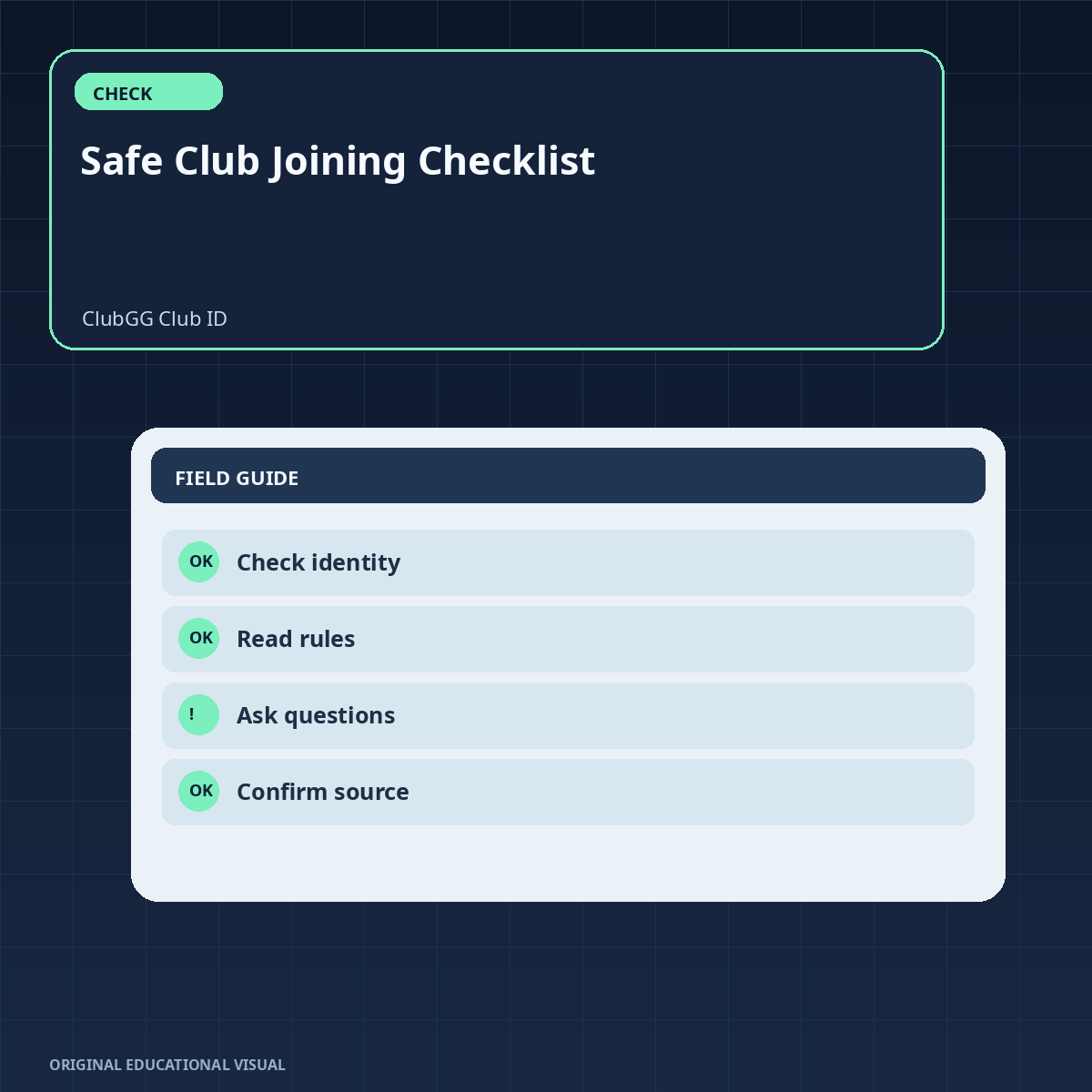
- Ask for the club ID first, before anything else. A screenshot of a club name is not a substitute.
- Copy it exactly as it was sent. Do not retype it and do not read it off a photo — one wrong character is enough.
- Open the join screen and read the field labels before you type. The string goes in the field marked as the club identifier.
- Check whether a referral field exists and whether it is marked required. If it is optional and you have nothing genuine to put there, leave it empty rather than inventing something.
- Submit and wait. Plenty of clubs approve members by hand, so a short delay is normal rather than a rejection.
- Read the rules before your first session. That matters more inside a union, because the network’s game list and schedule may not match what you assumed when you joined.
When something goes wrong
“Invalid club ID” on a code you are certain about
Most of the time it picked up an invisible character during the copy, or a digit is off from a screenshot. Paste it fresh from the original message and compare the first and last characters. If it still fails, ask the host to confirm, because clubs publish outdated codes more often than anyone likes to admit.
A referral code sitting in the club ID field
Clear it. That produces a failed search for a club that does not exist, and no amount of retrying will change the result. Club ID in the club field, referral in the referral field, or nowhere at all.
A code that worked last month and does not now
Clubs close, merge or get rebuilt, and an old ID can suddenly point at nothing. Ask the host directly. This is exactly the moment when a stranger offering you “the new code” deserves suspicion rather than gratitude.
Before you commit to a room
- The club’s rules: etiquette, how disputes are handled, whether games run to a schedule, and how inactive members are treated.
- Who administers it: a reachable host or admin team is a good sign; a blank account with no history is not.
- How it communicates: a chat with real conversation in it tells you far more than a channel that only posts join codes.
- Which network it belongs to: inside a union, the game list and schedule are often set at that level rather than by the club itself.
- Your own session budget and time boundaries: decide them in advance, the way you would for any hobby.
- Local law: what is permitted varies by where you live, and checking is on you.
One habit worth keeping permanently: no legitimate host will ever ask for your login details in order to “fix” a join for you. A club ID can be confirmed by anyone. A password request is a red flag every single time.
FAQ about ClubGG club IDs and referral IDs
Is a ClubGG club ID the same thing as a referral ID?
No. The club ID points at a room, while the referral ID points at the person who invited you. Everyone joining a given club uses the same club ID, but referral IDs differ from member to member.
Can I get into a ClubGG club without a referral ID?
Usually yes, provided the field is not marked as required. Plenty of clubs leave it optional or do not use referral codes at all, and an empty optional field will not block your request. If the form refuses to submit, ask the host what they expect there.
Who should I ask when a club ID stops working?
Start with the club’s host or support contact and ask them to confirm the current ID. Codes go stale when a club closes, merges or is rebuilt, and a dead code is often the first sign of it. Do not swap in a code from an unverified source.
Where can I find a club’s ID?
Ask whoever invited you, or check the club’s pinned announcement, public page or QR code. It cannot be worked out from the club’s name, and the app generally will not give you a browsable list of every club.
Do referral IDs expire?
That depends on the club and the settings behind it. Some are tied to a particular invitation window, while others stay valid indefinitely. If yours is rejected, the person who handed it over is the quickest route to an answer.
Is it fine to use somebody else’s club ID?
Yes — club IDs are not personal, so every member of that club uses the same one. That is precisely why it is worth checking who actually runs a club before joining, since a shared ID can be passed around by people with no connection to it at all.
The order that works
Club ID first, referral ID second, and never the reverse. Once you can tell an address from an introduction, a failed join stops being mysterious and starts being a five-second fix. Confirm the code with a real person, glance at how the network handles its game lists and schedules, read the room’s rules, and keep your session budget and time in your own hands.
Treat any unsolicited code as something to verify rather than something to trust. The join itself was never the hard part — knowing which piece of information you are actually holding is.